Enter an explanation for class hours
Note: You only need to do the steps below if you exceeded 12 class hours for your CFFJAC training. If you did not exceed 12 hours, skip this topic and go to Submit data to the CFFJAC.
-
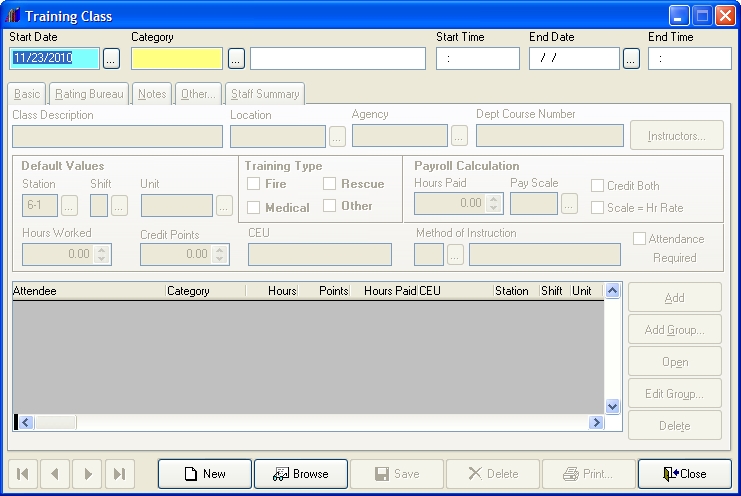
In the main FH toolbar, click Training.
The Training Class dialog box appears.
-
 (If the dialog box is not already populated with data) Create a new training record.
-
Next to Category, click the lookup
 button.
The Lookup - Training Categories dialog box appears.
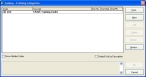
- Expand JAC, and then expand the group below it that corresponds to the type of training you are doing.
-
Select the lookup code in the subgroup that corresponds to the type of training you are doing, and then click OK.
A dialog box prompting you for confirmation to create a new record appears.
-
Click Yes.
The Training Class dialog box populates with data from your selection.
-
-
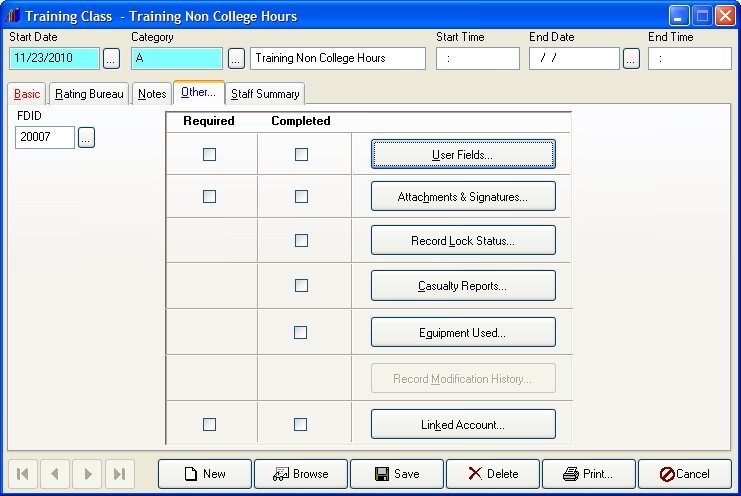
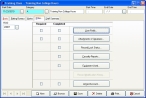
Click the Other tab.
-
Click User Fields.
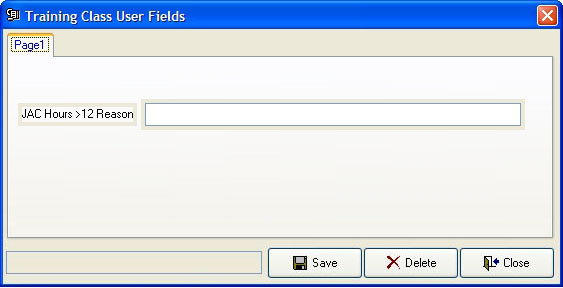
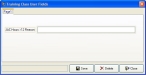
The Training Class User Fields dialog box appears.
-
In JAC Hours > 12 Reason, type an explanation for the number of hours you needed to complete the CFFJAC training program.
Note: The maximum length of the explanation is 50 characters.
- Click Save, and then click Close.
- In the Training Class dialog box, click Save.
- Close the Training Class dialog box.
- Continue with Submit data to the CFFJAC.