Search for a patient
If the patient already exists in FH Medic from a previous incident, you can call up his existing information instead of re-entering it again for the current incident.
-
(If you have not done so already) Add a new incident, or open an existing incident, as described Add or edit an incident.
By default, the Scene tab appears.
-
At the bottom of the screen, touch Patient.
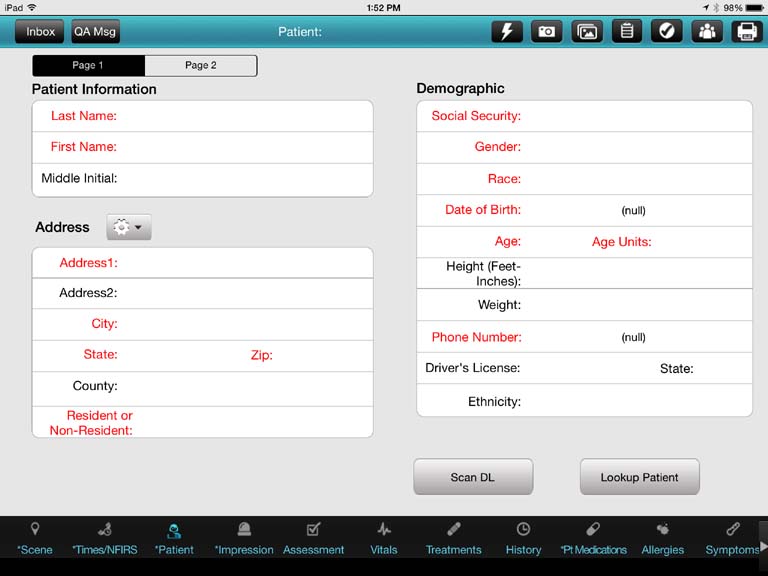
Fields for specifying the patient's name, address, and demographic information appear.
-
In the lower right corner of the screen, touch Lookup Patient.
A new screen appears.
-
Do one of the following.
 Find a patient by their Social Security Number (SSN)
-
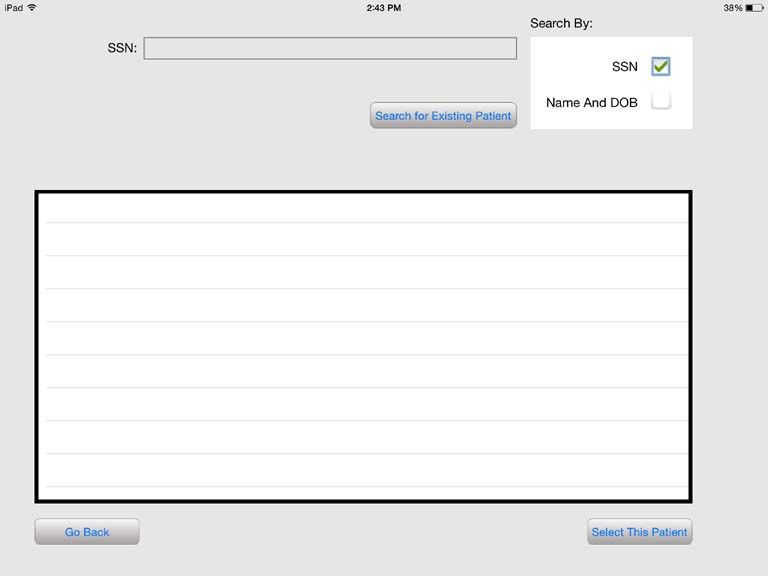
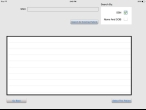
Under Search By, touch SSN.
The SSN field appears to the left of Search By.
-
Touch SSN, and then use the iPad keyboard that appears to type the social security number of the patient you are searching for.
-
Touch Search for Existing Patient.
If an SSN matching your entry is found, the patient's record appears in the list on the screen.
Find a patient by their name
-
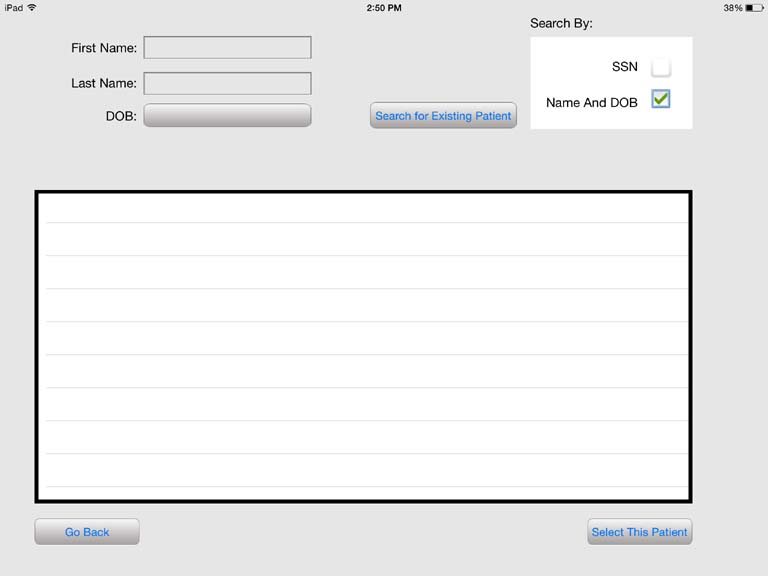
Under Search By, touch Name and DOB.
The First Name, Last Name, and DOB fields appear to the left of Search By.
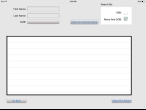
- Touch First Name, and then use the iPad keyboard that appears to type the first name of the patient you are searching for.
- Touch Last Name, and then use the iPad keyboard that appears to type the last name of the patient you are searching for.
-
Touch DOB, and then use the date roller that appears to specify the date of the patient you are looking for.
-
Touch Search for Existing Patient.
If patient name or date of birth matching your specifications is found, the patient's record appears in the list on the screen.
-
-
Depending on whether the patient is found, do one of the following.
Was the patient found? Do this No
-
In the lower left corner of the dialog box, touch Go back to return to the Patient screen.
Yes
-
In the results list, select the patient.
-
In the lower right corner of the dialog box, touch Select This Patient.
The Patient screen reappears, and the patient's data populates the fields.
-