Register a purchased copy of FH Medic
When you purchased FH Medic, you were sent an email message containing a serial number and a customer number for FH Medic. You will need access to the contents of that email when licensing FH Medic.
Note: When you purchase FH Medic, you need to uninstall the demonstration copy, download a copy of FH Medic from the purchased copy link described in Download FH Medic to the mobile device, and then re-install FH Medic from the new executable file you downloaded. Once your new copy of FH Medic is installed, you can license it with the steps below.
-
Choose Start → FH Medic 3
The FH Medic registration dialog box appears.
- In Name and Organization, type the requested information about your fire department.
- In Serial Number and Customer Number, type the serial number and customer number in the email you received when you purchased FH Medic.
-
Click Register.
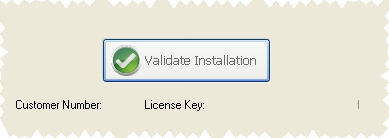
A validation dialog box appears, containing a Validate Installation button.
-
Click Validate Installation.
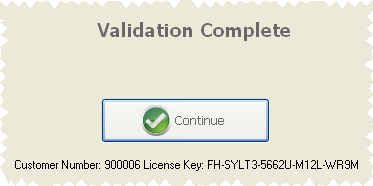
Your installation of FH Medic is registered with FIREHOUSE Software, and a Validation Complete message appears.

-
Click Continue.
The FH Medic login screen appears.
- Continue with Log into FH Medic.