Update bar
In the lower left corner of the FH Sketch interface, the Update bar reports the current drawing scale and the state of selected items.
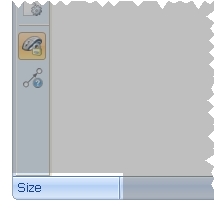
The Update bar usually displays Scale, and if nothing is selected in your sketch, rolling the mouse wheel changes the scale accordingly. If you select a text label, symbol or dimension, clicking the right-mouse button toggles between the display in the Update bar between Rotation and Size, which you can also change by rolling the mouse wheel.